Aria Assistant
Your Aria apps, at the top of your screen.
See what Studio, the CLI, the IDE and Desk are doing. Allow a command, answer a question, open a finished file — without switching windows.
Aria Assistant
It works. You see it. You answer it.
Aria Assistant is the island at the top of your screen. Aria Code, Aria CLI and Aria IDE report to it while they work, and ask it when they need you.
It comes with Aria IDE on macOS and Windows, and with Aria CLI on macOS. One switch, shared by every Aria app.
While it works
Every step of the terminal, at the top of your screen.
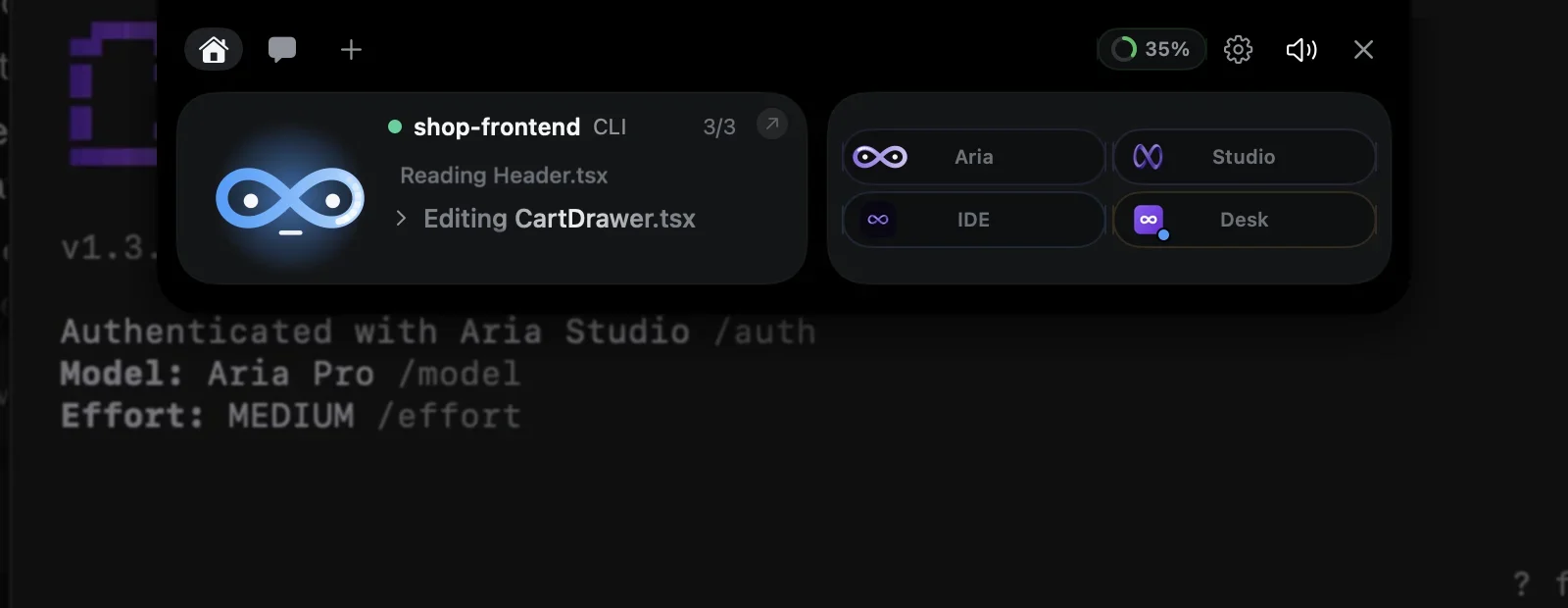
Start a task in Aria CLI and go back to whatever you were doing. The CLI pill takes the folder’s name and its steps scroll past as it reads and edits — two terminals in two folders share one pill.
- Hover the top of the screen to open it; it folds when you move away
- The resting bar says “CLI working” without opening
Approvals
Allow a command without finding the terminal.
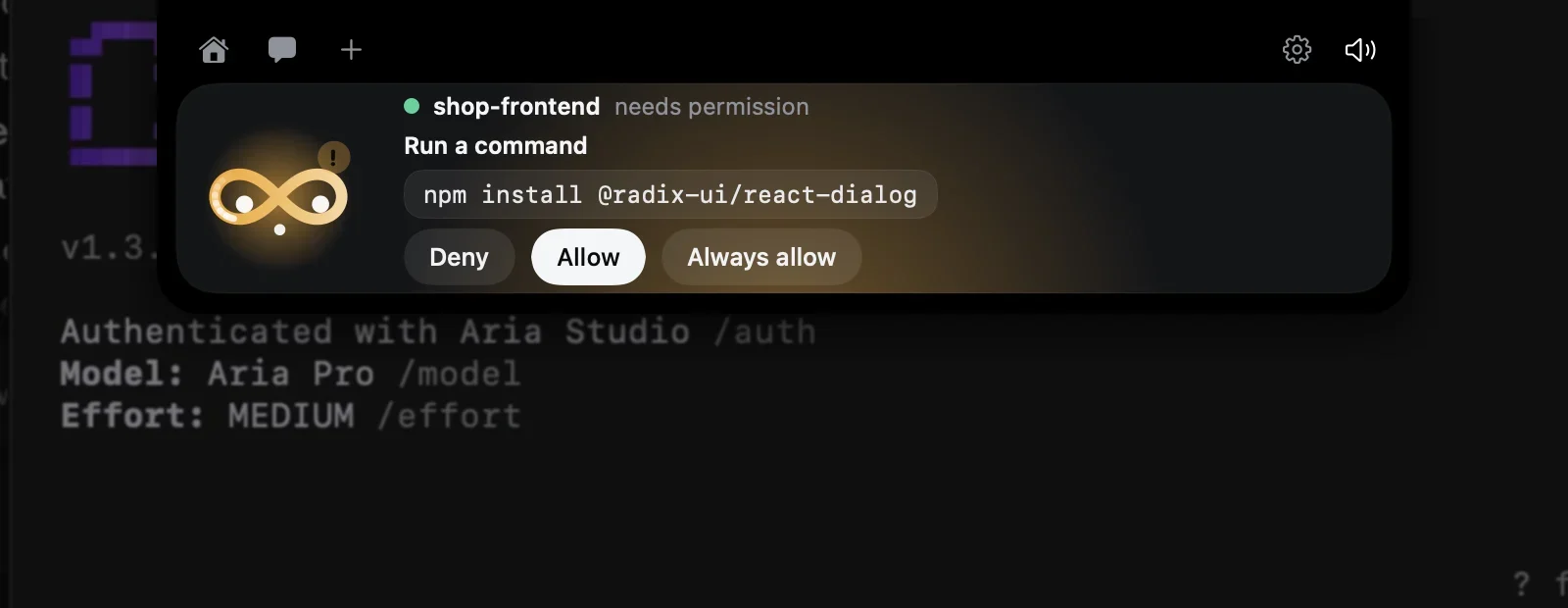
When the CLI needs a yes, the island opens by itself with the exact command and the CLI’s own choices. Your click goes straight back to the waiting session; answer in the terminal instead and the card simply goes away.
- Deny, Allow or Always allow — the same options as the terminal
- Several questions queue up: “1/3”
While it works
The agent keeps going while you leave the editor.
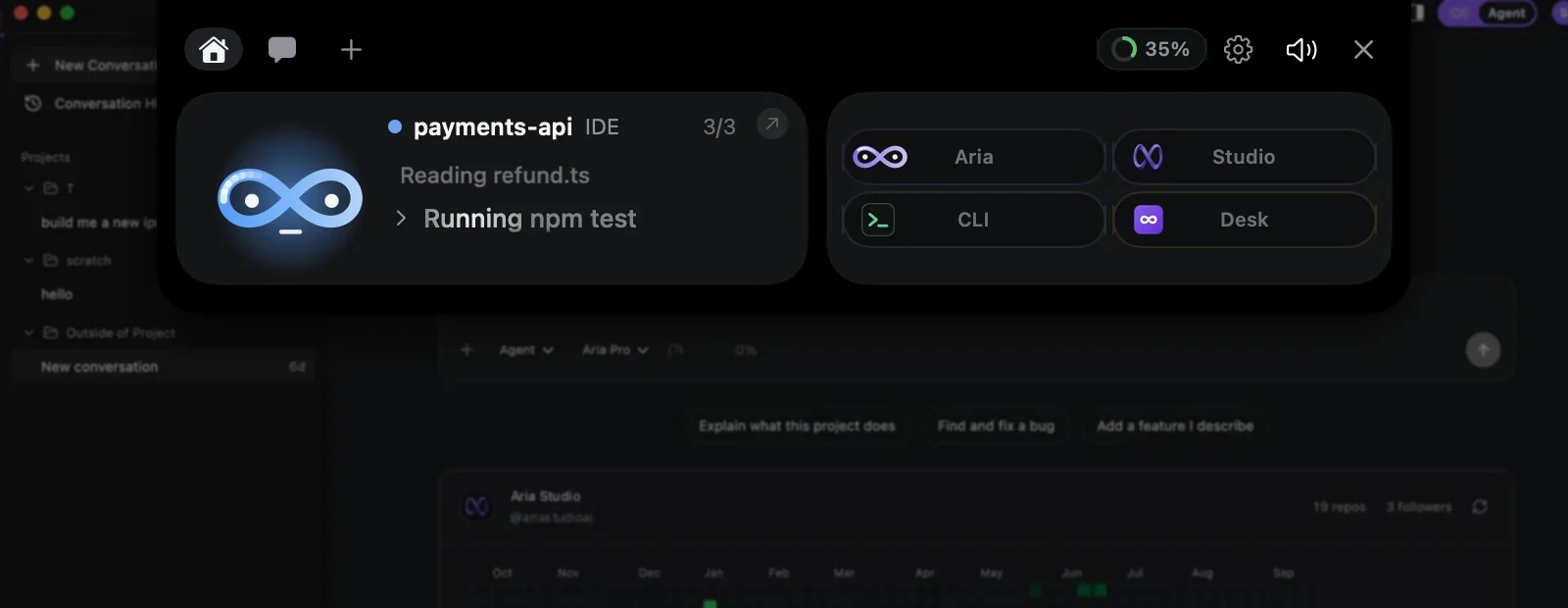
Aria IDE reports its agent to the island: the project, the request and each tool it runs. Switch to the browser or a call and still see whether the tests are running.
- Comes with Aria IDE on macOS and Windows
- Turn it on or off in Settings → General
Approvals
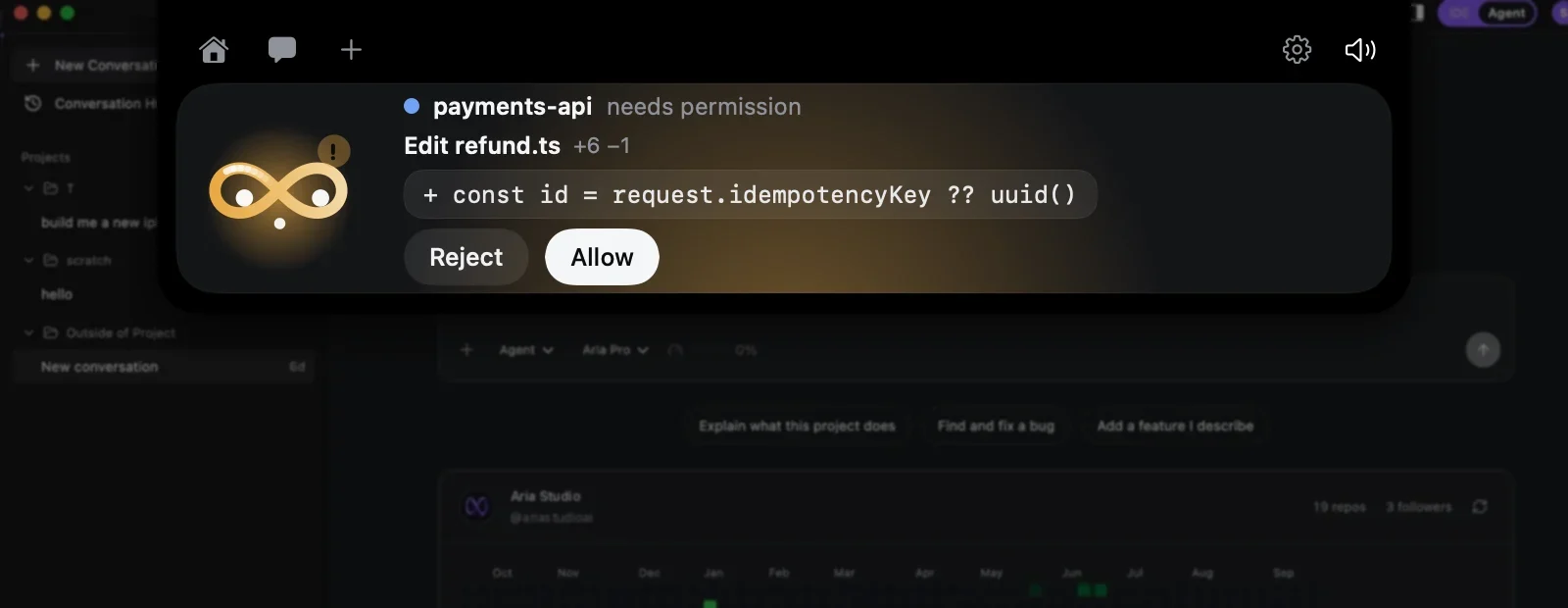
Review an edit and allow it from anywhere.
File edits and commands the IDE wants to make arrive as a card with the change itself and the size of the diff. Reject or Allow, and the agent continues where it stopped.
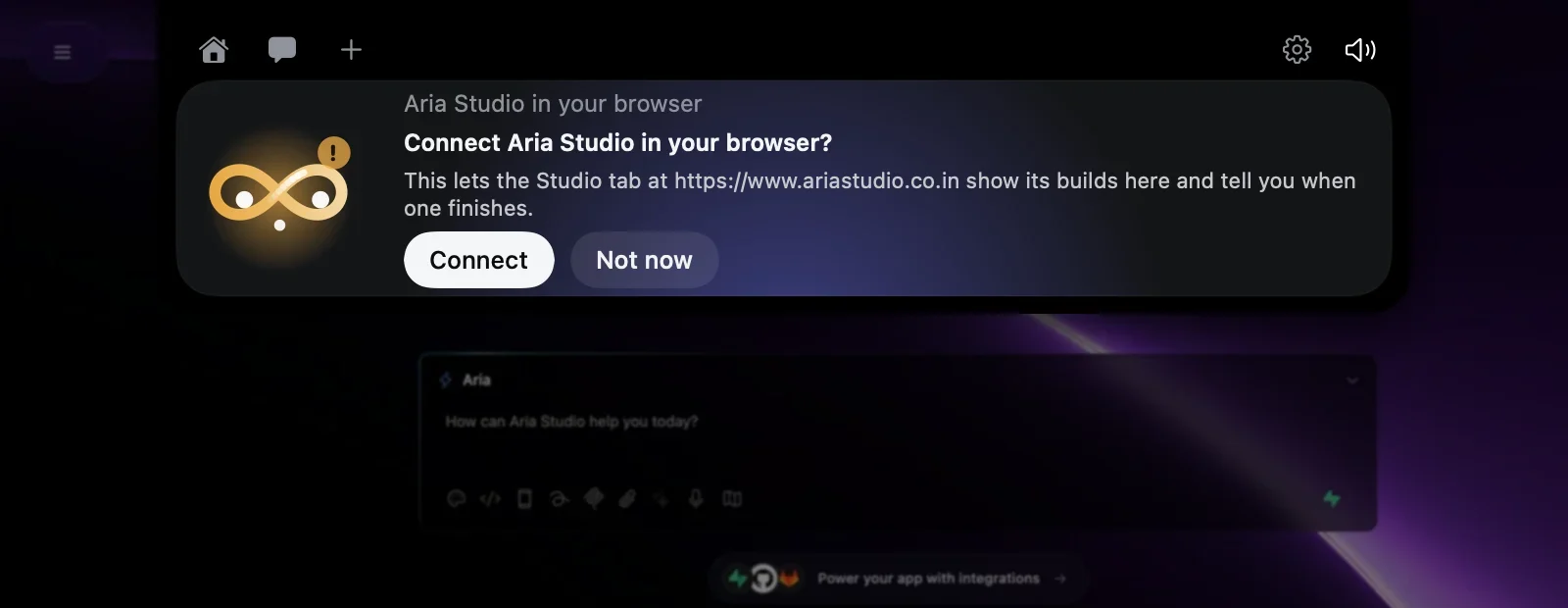
Aria Studio in your browser
Connect a Studio tab once, on the island.
A web page cannot reach your computer on its own. Studio asks, the island shows the request, and only your Connect lets that tab report its builds — and its build errors — here.
When something breaks
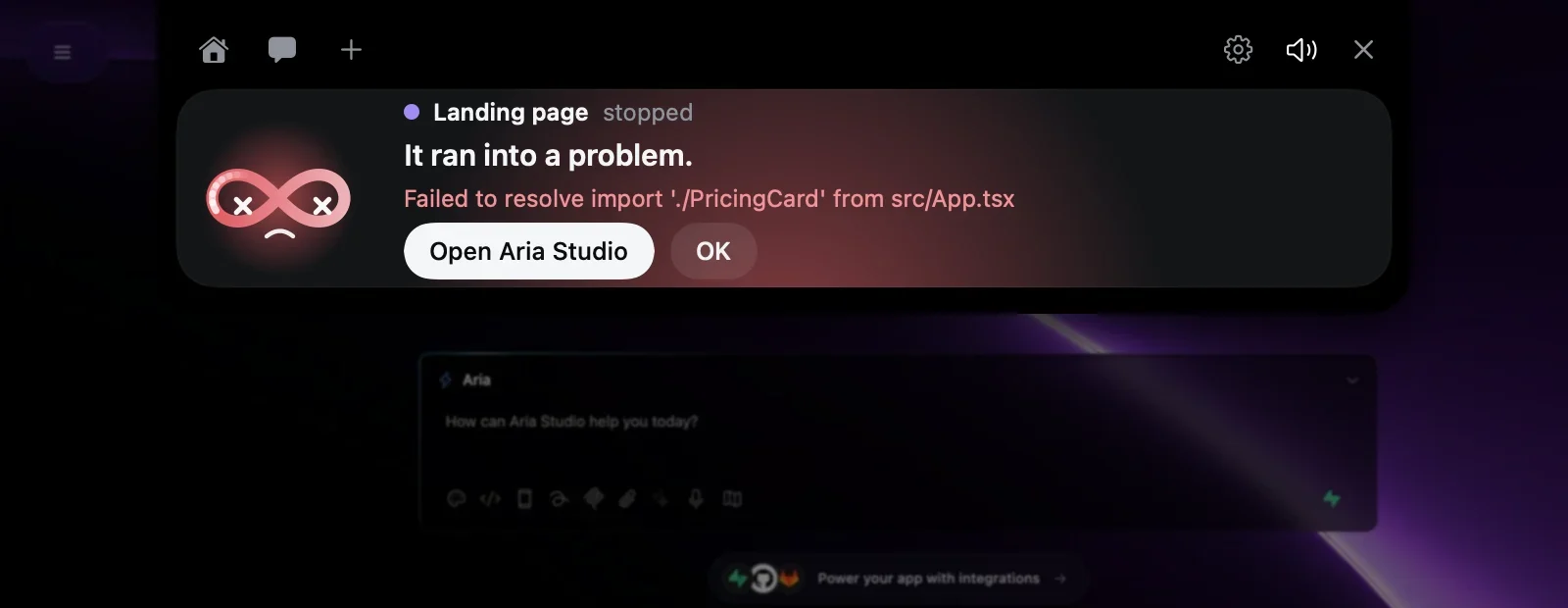
Errors reach you, with what went wrong.
A failed build or a stopped session opens the island red, with the product’s own message and a way straight back to it.
Ask Aria
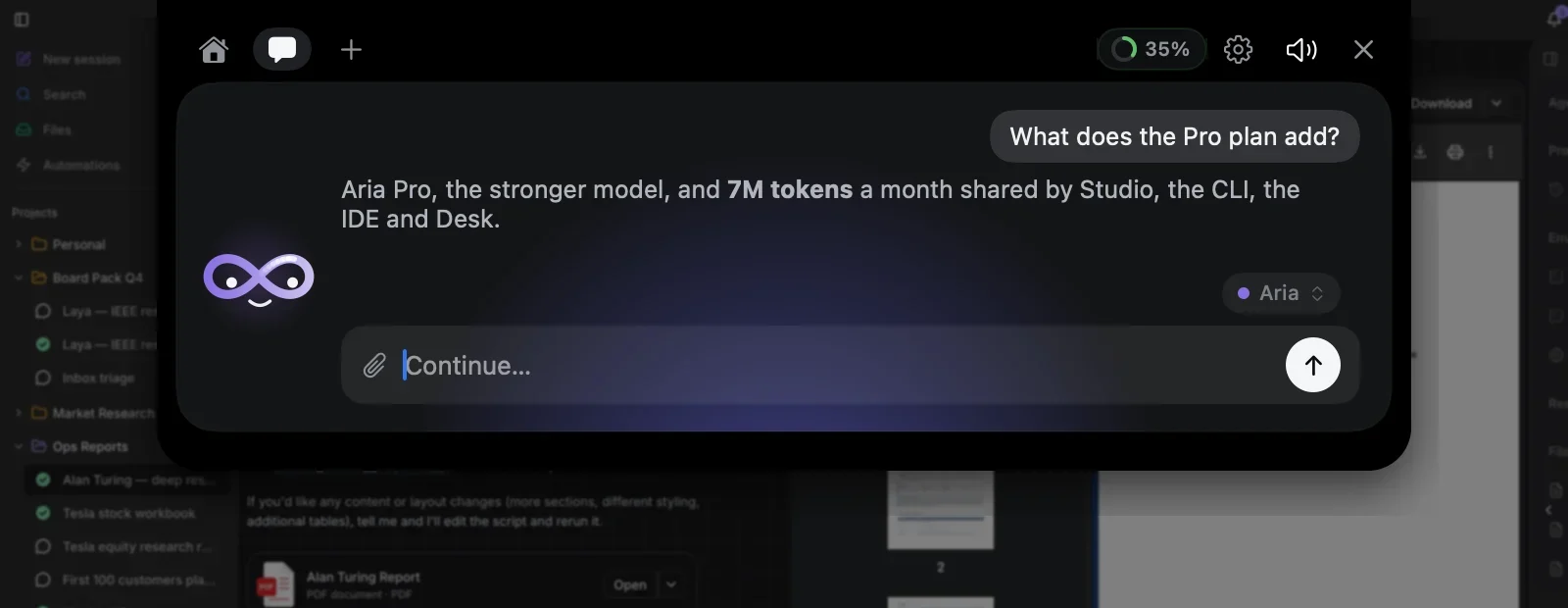
A quick question, without opening anything.
The chat answers on your Aria account, with Aria or Aria Pro. Drop a picture or a text file on the character to ask about it.
One allowance
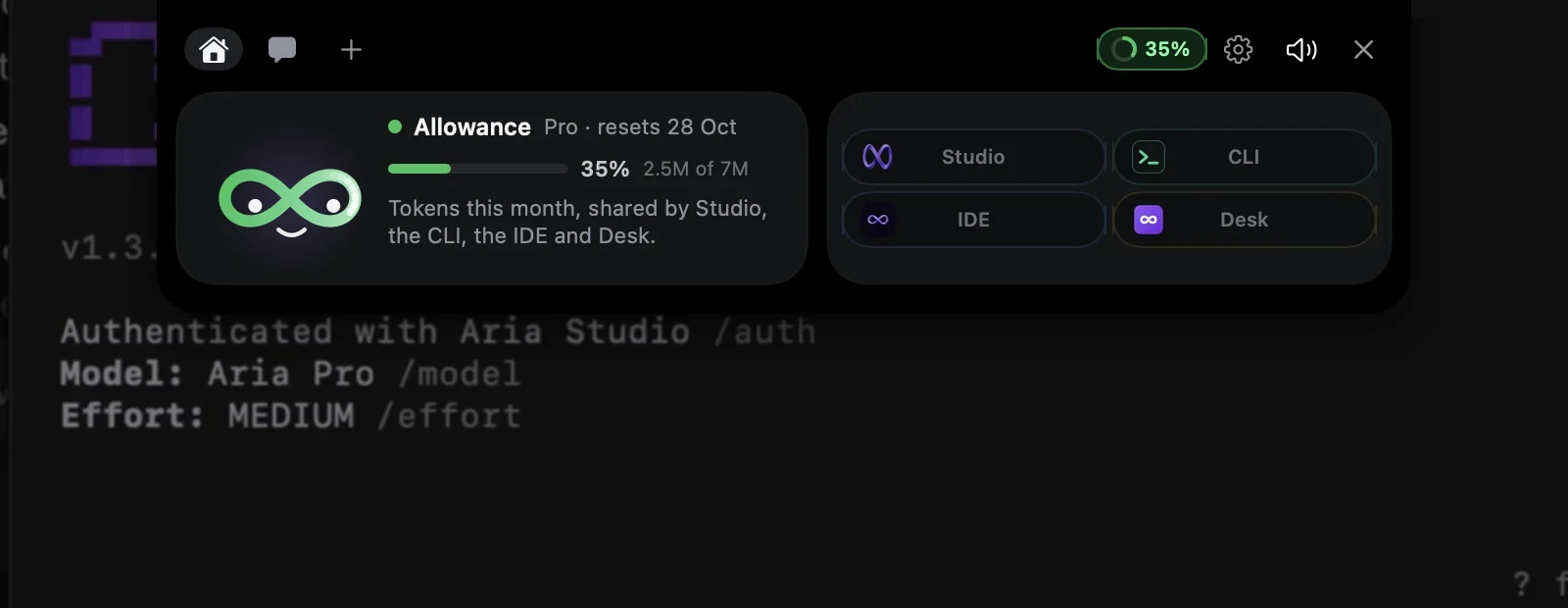
This month’s tokens, shared by all four apps.
The ring in the header is the allowance Studio, the CLI, the IDE and Desk draw on together; click it for the details and the reset date.
Finds it on its own
The CLI, the IDE and Desk find the Assistant on your computer. Nothing to pair, no keys.
Stays on your computer
It listens on 127.0.0.1 only. A Studio tab is connected once, and only when you click Connect.
Never answers for you
Approvals and questions are settled by your click, or in the product itself — whichever comes first.