Build
From a sentence to a working site
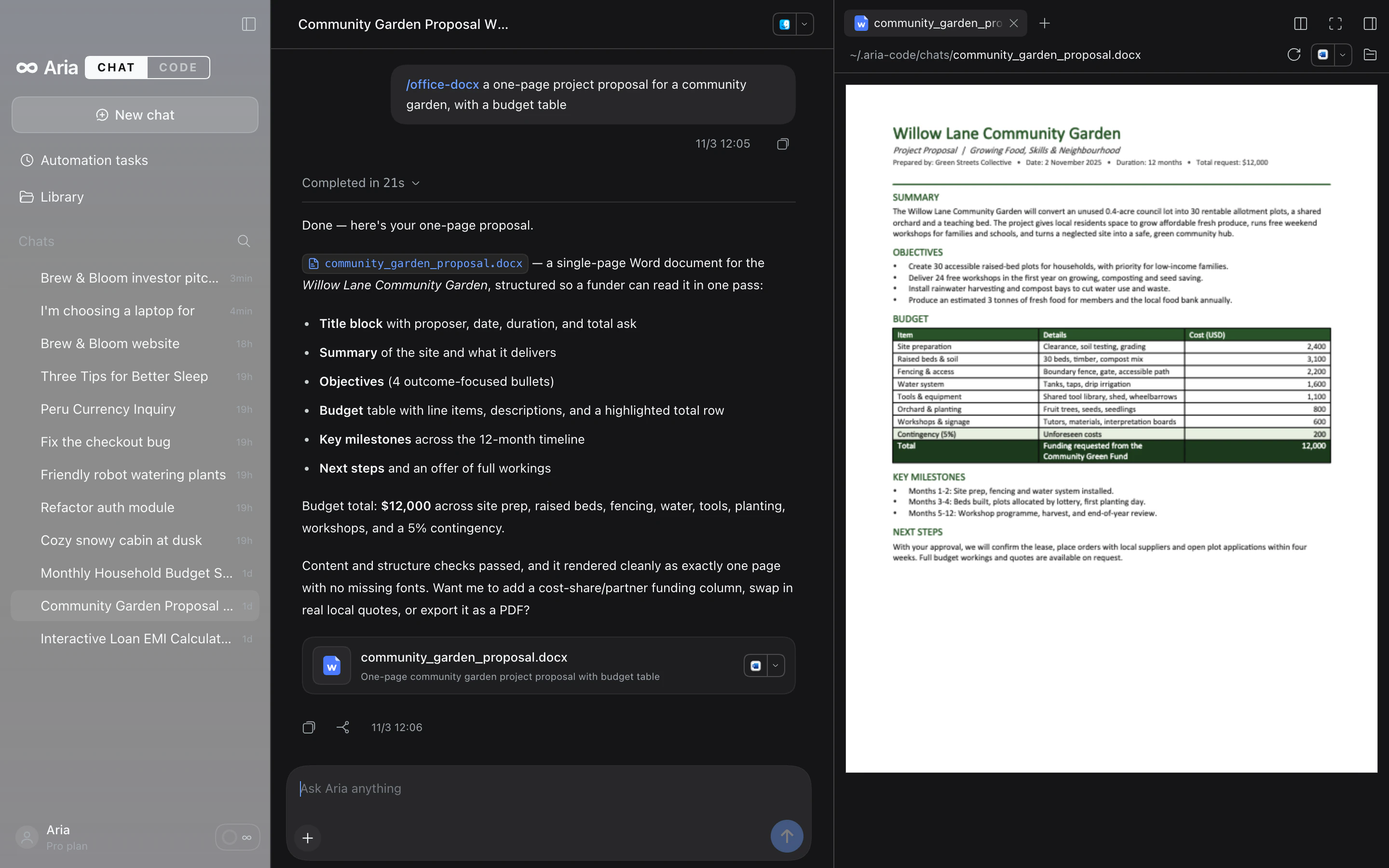
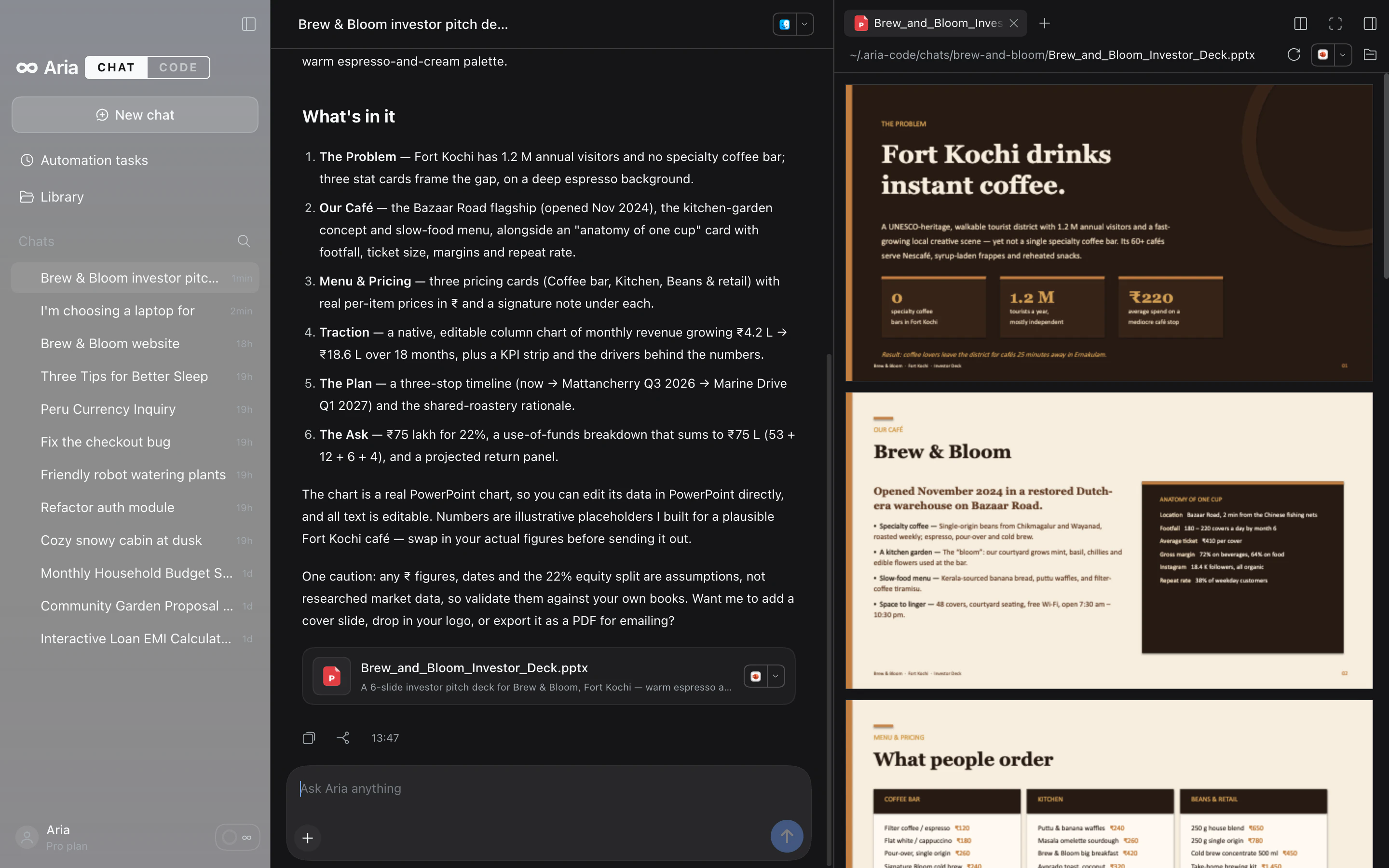
Describe what you want and Aria loads the right skill, writes the files, runs what it needs and opens the result beside the conversation. The page on the right is the real file, rendered live.
Aria Code is one desktop app for both: a thoughtful assistant for questions, documents, decks and images, and a coding agent that works right in your folders.
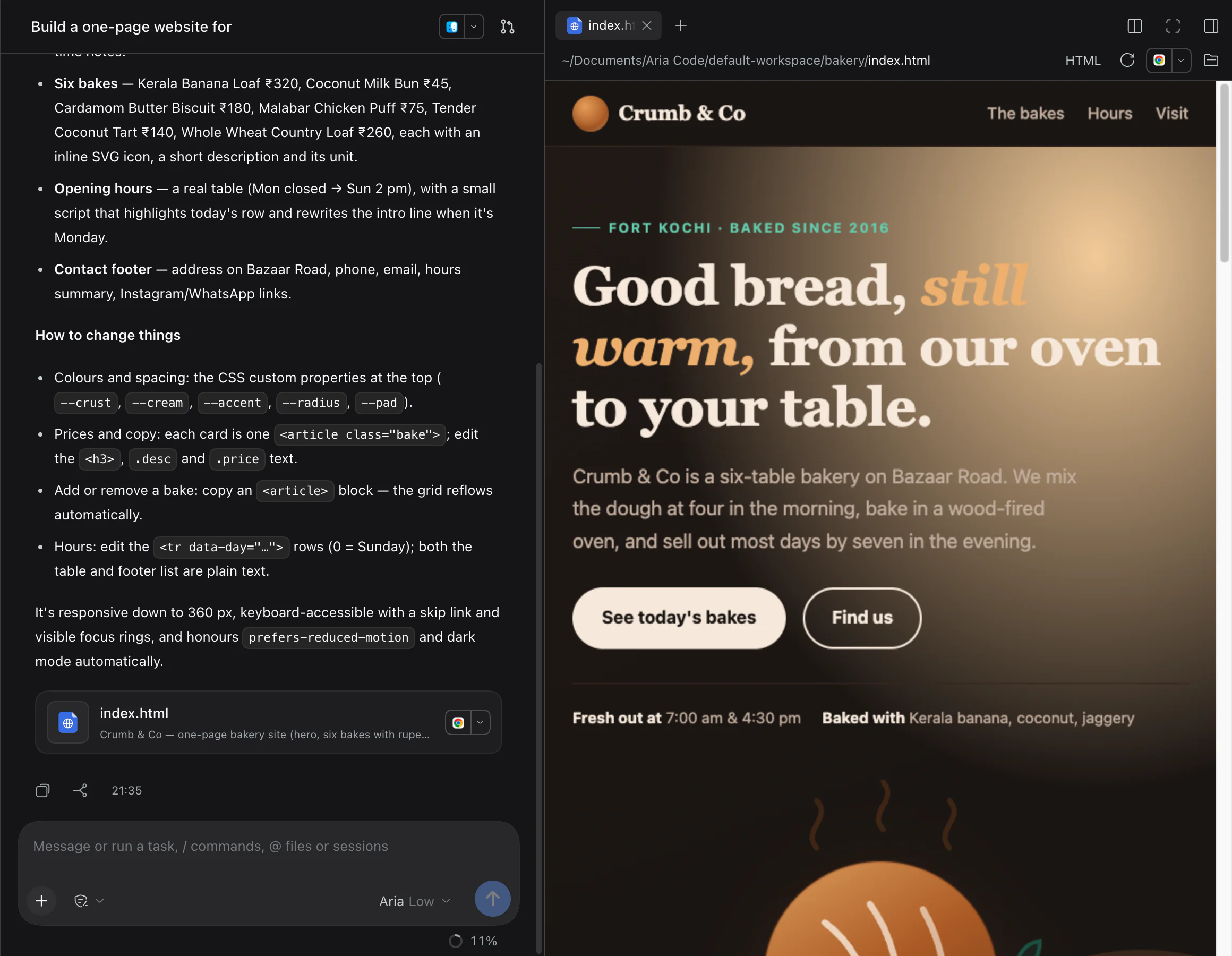
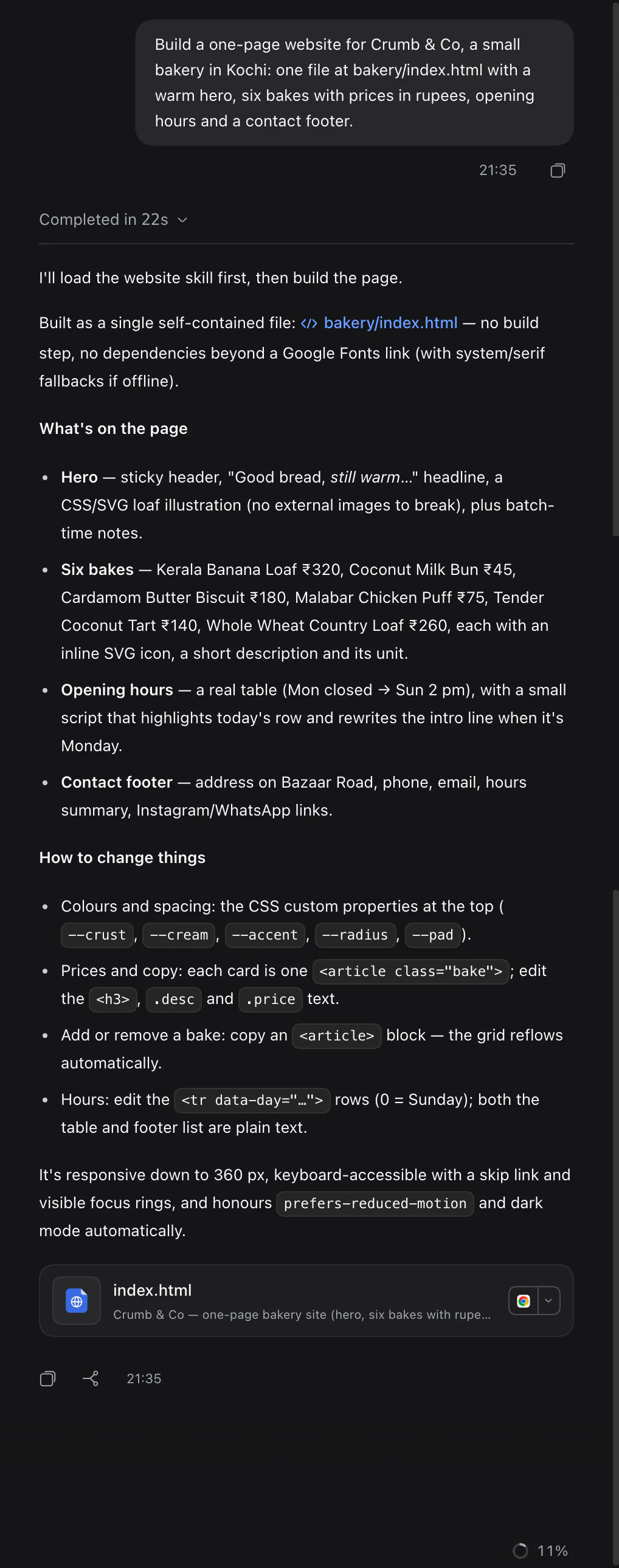

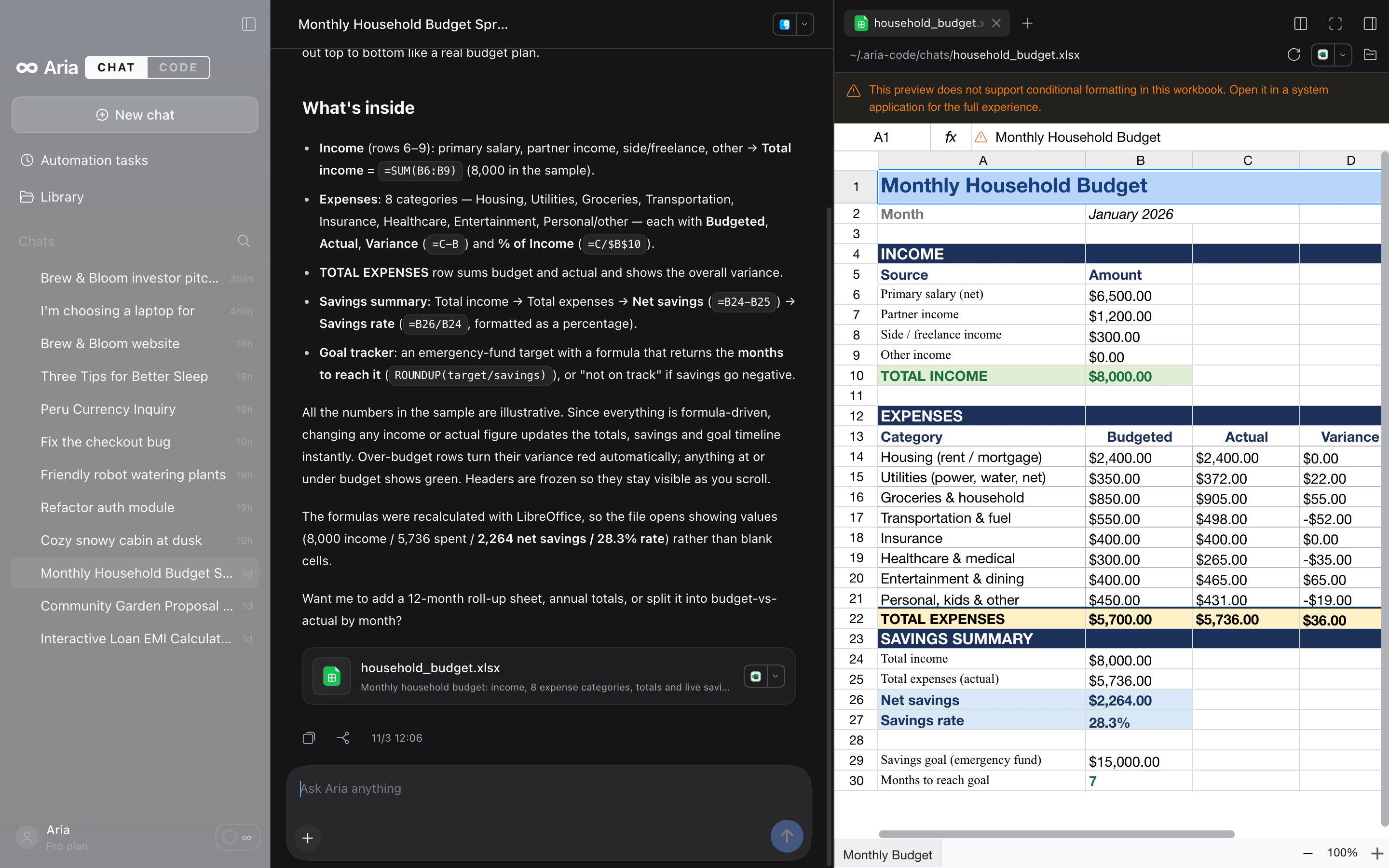
Examples of what you can ask: Build a one-page website for my coffee shop in Fort Kochi; Make a 6-slide investor deck for Brew & Bloom; /image a cozy wooden cabin in the snow at dusk; A monthly household budget with income, expenses and savings; Which laptop under ₹1.2 lakh is best for coding?; A one-page proposal for a community garden, with a budget table.
Every screenshot on this page is Aria Code itself, running on a Mac.
Describe what you want and Aria loads the right skill, writes the files, runs what it needs and opens the result beside the conversation. The page on the right is the real file, rendered live.
When a choice comes down to numbers, Aria draws them: comparison tables with the pick highlighted, charts, cards and follow-up buttons, right in the chat.
Type /image or tap the Image chip and describe it. The picture appears in the chat while you watch, and lands in your folder ready to use.
Settings → MCP lists the apps Aria can use, by category, each with a + to connect. Then type /mcp in any chat to point a message at one of them.
The Library gathers documents, sheets, decks, images, web pages and code from all your workspaces. Pick one and it opens right there.
Real .pptx, .docx and .xlsx files, previewed beside the chat and saved to your folder.
Decks that are ready to presentReal PowerPoint files with editable charts and text, previewed slide by slide.
Connect one in Settings → MCP, then type /mcp in any chat to use it. Or add your own server by command or URL.
Type /plan and Aria explores first, then hands you a plan to approve before it changes anything.
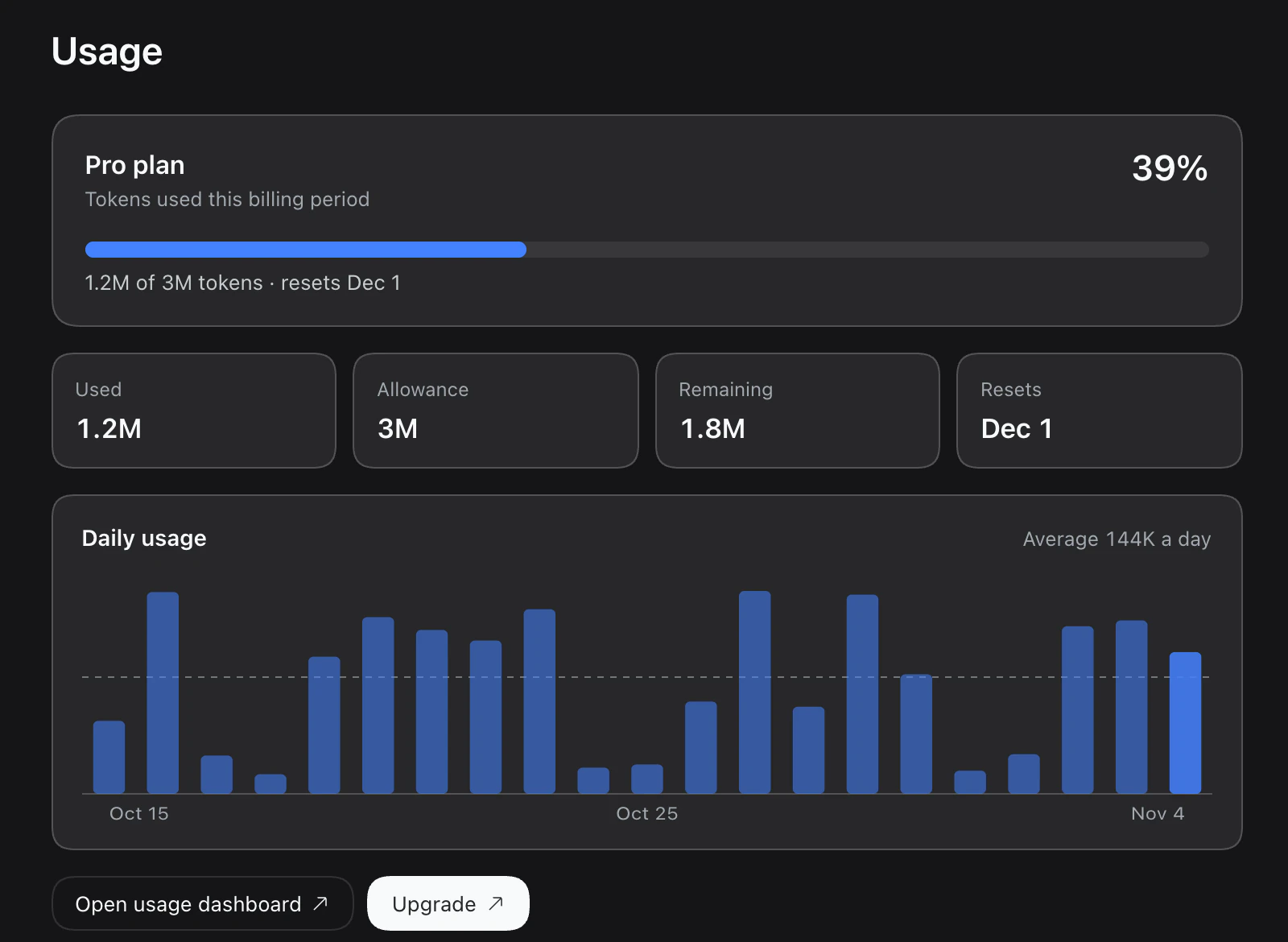
Your plan, what is left, when it resets and a day-by-day chart, in Settings → Usage.
Connect GitHub, Notion, Slack and more in Settings → MCP, then type /mcp in any chat.
Read Only, Workspace Write or Full access, chosen per session. Your files stay on your machine.
39 apps in the catalog, plus any MCP server you add by command or URL.
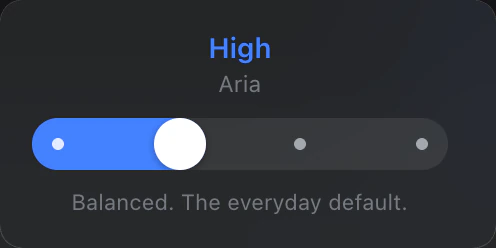
Low, High, Max or Ultra in Code. In Chat, Aria picks for each message on its own.
Fill a form or work through a survey in the Safari or Chrome window you are already signed in to.
Schedule a prompt for every morning, every hour or every Friday. It arrives in its session like a normal message, and you can pause it or run it now.
Ask for work on a new branch and it gets its own worktree. Pull requests and checks show beside the session.
The desktop companion shows what each chat and coding session is doing, and tells you when an answer is ready.
Aria Code is on its way. Create your Aria account now and sign in the day it ships, with the plan you already have.
Apple silicon
Download for macOSWindows 10 and 11, from the Microsoft Store
Download for WindowsFree to download for macOS and Windows.